Telegram Bot for Business: What It Can Do and What It Costs
What a Telegram bot can do for a business — orders, bookings, payments, notifications — where its limits are, and what makes it cost more than $200.
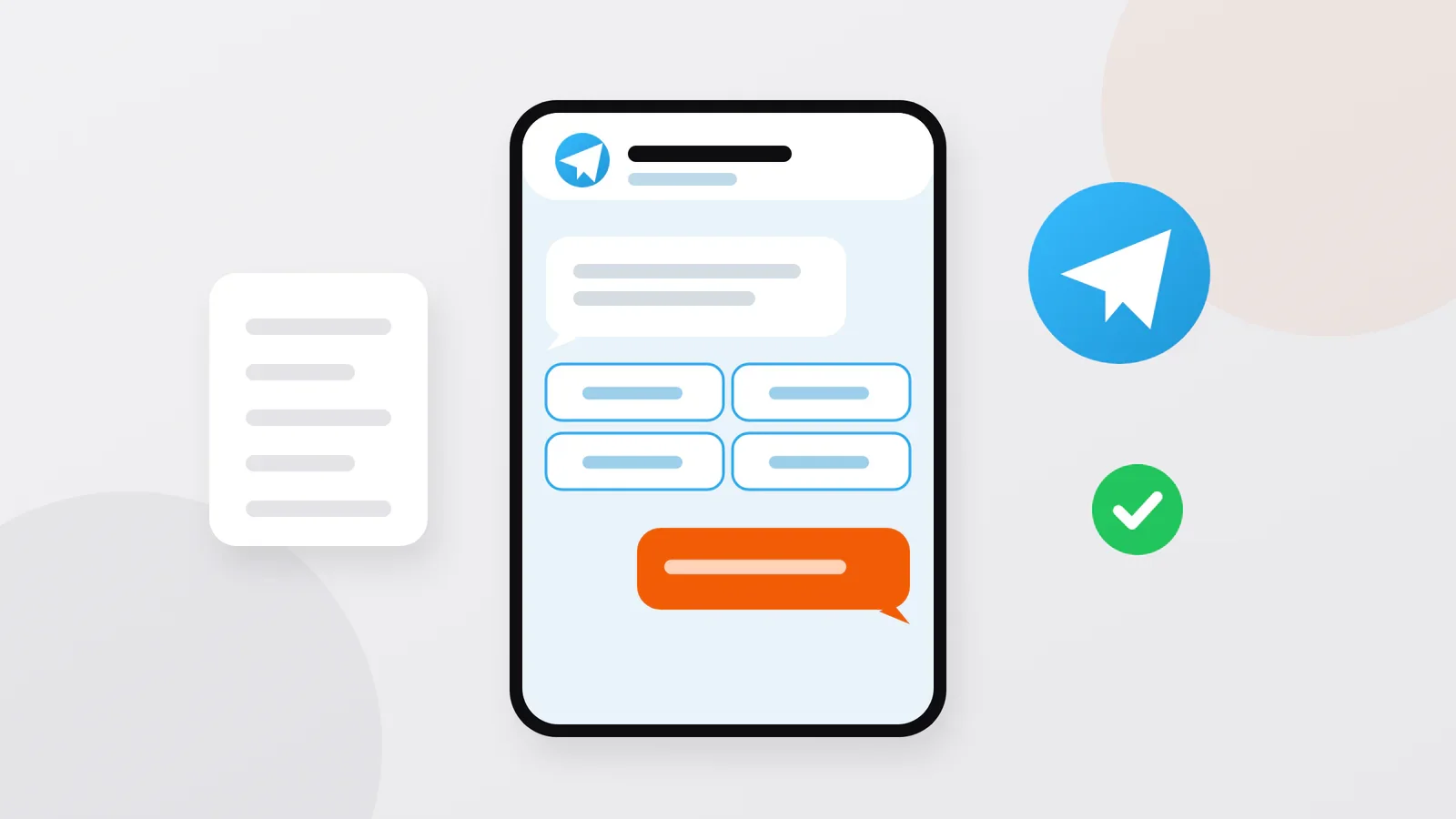
Short answer: A Telegram bot is a program that talks to your customers inside Telegram: it shows a catalog, takes orders and bookings, accepts payments and sends notifications to the customer and to your staff. It works best for simple, repeated actions by people who already use Telegram. I build bots from $200 for a simple version; the price grows with the number of scenarios, the admin panel, payments and integrations.
What a bot can do for a business
A business bot is more than a set of automatic replies. Behind the chat there is a server with a database, so the bot can remember customers, calculate a total, check what is available and pass the order to the right person. Typical jobs, with examples from my projects:
| Task | What the bot does | Example from my work |
|---|---|---|
| Orders | Catalog with photos and prices, cart, contacts, delivery address | Meatline: the customer shares a location, and the bot turns it into a street address |
| Bookings and tickets | Choose a service, date or ticket, pay, get a confirmation | MyPark: visitors choose a park ticket, pay through Payme or Click (payment systems in Uzbekistan) and get a QR code at once |
| Customer questions | Answers to frequent questions, location, a way to reach a person | Ahostel: automatic answers, the hostel's location, contact with support |
| Tools for your team | Help employees, not only customers | @vaqttejabot: works out the shortest order of delivery stops from the courier's location |
| One database | Orders from the bot, website and app land in one place | Ahostel: requests from the website, the bot and the mobile apps go into one database |
Where the orders go: the admin side
Customers see the chat; your team needs the other side. There are two common setups:
- Notifications in a staff group. Each new order arrives in a Telegram group as a message with the items, the total, the contacts and, in the Meatline bot, a map link. It is quick to build and enough for a small team.
- An admin panel — a web page where you manage the catalog and prices, see orders and customers, change order statuses and send mailings. It takes more work, but it removes manual steps.
In the Meatline bot, a manager changes the order status — "Accepted", "On the way", "Delivered" — in one click, and the customer gets a message each time. The admin side can take as much work as the bot itself, so decide early which setup you need.
Example: why Meatline got a classic bot
Meatline Tashkent produces sausages and meat delicacies. Before the bot, orders came by phone and in messages: operators repeated the range and prices to every customer, and addresses came in free form, like "opposite the supermarket, green gates", so couriers lost time.
We deliberately chose a classic chat bot over a Mini App (a web app that opens inside Telegram). The brand's customers are of all ages, and for many of them familiar buttons in a chat are easier than a web interface; a chat bot also works reliably on weak mobile internet. The bot has a catalog with photos, descriptions and prices, a cart, and collects the name and phone number automatically.
The key piece is the address. The customer taps "Send location", Telegram passes the coordinates, and the bot sends them to the Yandex Maps API, gets back a readable address (this is called reverse geocoding) and asks the customer to confirm it. The courier receives a street and a house number instead of a description. After the launch, placing an order takes one to two minutes, and operators step in only in unusual situations. Read the full Meatline case.
What a bot cannot do
- It cannot write first. Telegram does not let a bot start a conversation: a person has to open the bot and press Start, or add it to a group. You cannot upload a list of phone numbers and message those people. Plan how customers will find the bot: a link in your Instagram profile, a QR code at the counter, a button on your website.
- Mailings reach only subscribers, and not instantly. A bot can message only people who started it and have not blocked it. For bulk messages Telegram allows about 30 per second unless you pay for faster broadcasts, so a large mailing goes out gradually.
- A chat is a narrow interface. A few categories and buttons work well; a catalog of hundreds of items with filters, a booking calendar or a seat map is clumsy. For that, the same bot gets a Mini App with full screens inside Telegram.
- It reaches only Telegram users. In Uzbekistan, for example, Telegram is the main messenger; elsewhere, check first where your customers actually write. A bot also does not bring new customers from Google the way a website does.
What makes a bot cost more
A simple bot starts at $200. The estimate grows with:
- Scenarios. Each path — ordering, booking, support, a personal account — is designed, built and tested; branches and exceptions add up.
- The admin side: a staff group is the simplest, a full admin panel is a project of its own.
- Payments. Connecting a payment provider means processing every payment status, cancellations and refunds, and checking that each notification really came from the provider. For MyPark I wrote separate adapters for Payme and Click with signature checks and protection against counting the same payment twice. The guide to accepting payments explains how online payments work.
- Integrations with your CRM (customer database), accounting, warehouse, maps or delivery service. Each is separate work, and its size depends on the other system's API — the interface through which programs talk to it.
- Languages. Each language needs its own texts and testing — for example, Uzbek and Russian for a bot in Uzbekistan.
- Content and deadline. Filling a large catalog, writing the texts and a tight deadline all add to the price.
Telegram does not charge for its bot platform. You pay for the server, because a bot has to work around the clock, for the payment provider's fees if you take payments, and for changes after the launch. I work for a fixed price or by time and materials; both, together with all one-off and recurring costs, are explained in how much a website, bot or app costs.
How long it takes
A simple bot takes days rather than months; one with payments, an admin panel and integrations takes longer. You see the dialogues and screens before development starts, then the result stage by stage, and I stay in touch after the launch. The plan after our first conversation gives exact dates.
Frequently asked questions
Can a bot accept payments?
Yes. A bot can show Telegram's payment form connected to a payment provider, or send the customer to the provider's own payment page. In Uzbekistan, for example, I connect Payme, Click and Uzum Bank. Digital goods sold inside Telegram are a special case: they must be paid for in Telegram Stars, Telegram's own currency.
Can I build a bot myself in a builder?
For a simple bot — a menu, answers, a request form — yes, and it can be a sensible first step. When you need payments, your own logic or integrations, custom development pays off. I compare both honestly in bot builder or custom development.
Will the bot belong to me?
It should. Every bot is created through @BotFather, Telegram's official bot for this, which issues a token — a secret key that gives full control of the bot. Ask for the bot to be created on your own Telegram account or transferred to you later (BotFather allows this), and keep the token, the server access and the code under your control. Choose the username carefully: unlike the bot's display name, it cannot be changed later.
Sources
- Telegram: Bots: An introduction for developers — bots can't start conversations; the platform is free.
- Telegram: Bots FAQ — broadcast limits.
- Telegram: Telegram Bot Features — BotFather, tokens, transfer of ownership.
- Telegram: Bot Payments API for Digital Goods and Services — Telegram Stars.
Discuss your project
Tell me what the bot should do for your customers and for your team. Write to me on Telegram, WhatsApp or by e-mail: describe the task in a few sentences — what you sell, how orders arrive today, whether you need payments — and I will reply with questions and an estimate. You talk directly to me, the developer who writes the code. You can write in your own language; calls are in Uzbek, Russian, Turkish or English.
Sanjar Jabborov — fullstack developer, Tashkent. Updated on 13 November 2026.