Telegram Bot Builder or Custom Development: An Honest Comparison
When a no-code Telegram bot builder is enough and when custom development pays off: cost over time, data ownership, integrations and limits.
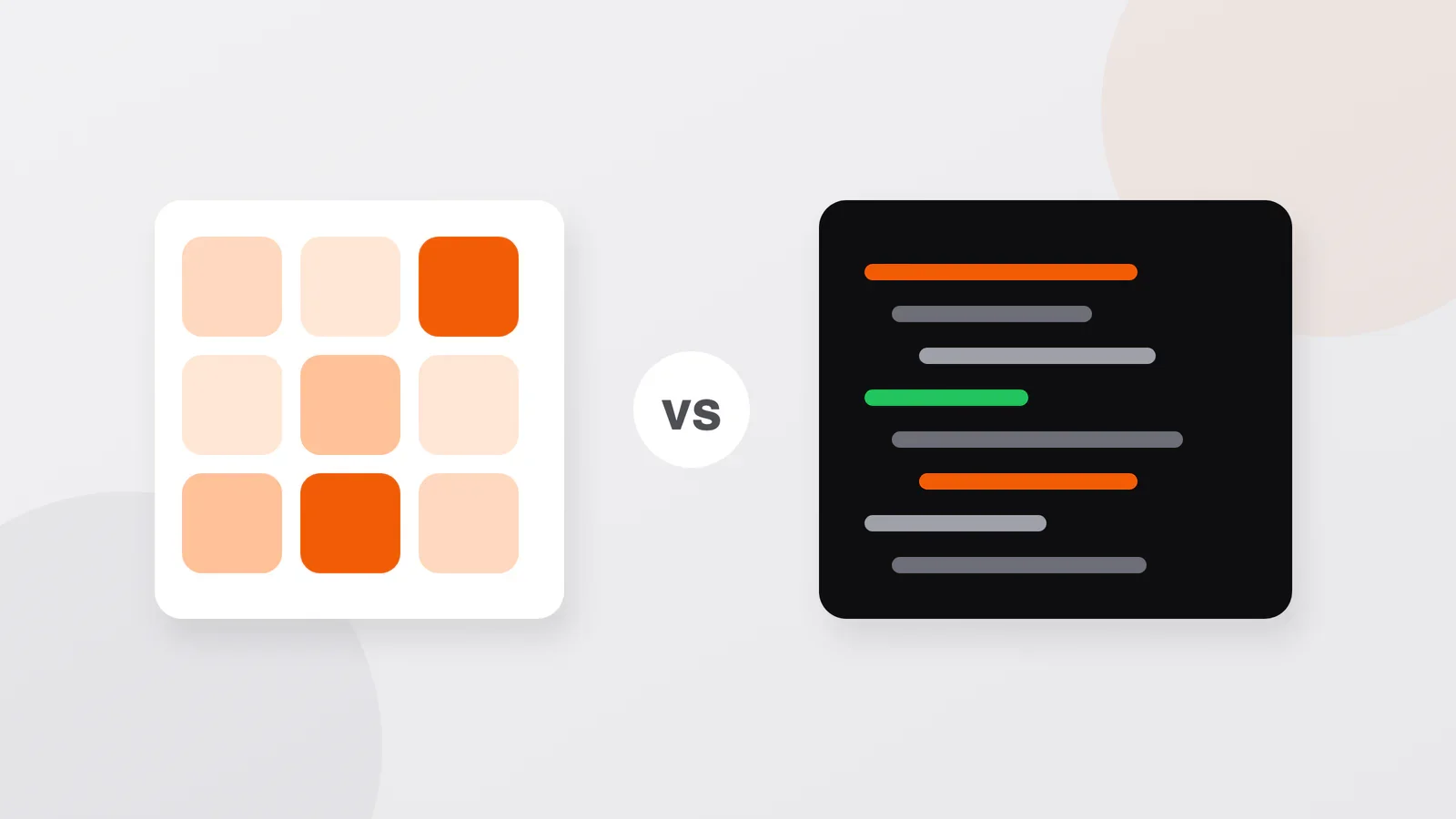
Short answer: A bot builder — an online service where you assemble a bot from ready-made blocks without writing code — is enough for a simple bot: a menu, answers to frequent questions, a request form, a small catalog. Custom development pays off when the bot becomes part of how you sell or run the business: reliable payments, a link to your CRM or warehouse, logic of your own, a customer base you want to keep. If you are not sure yet, a builder is a cheap way to find out what you need.
Two ways to get a bot
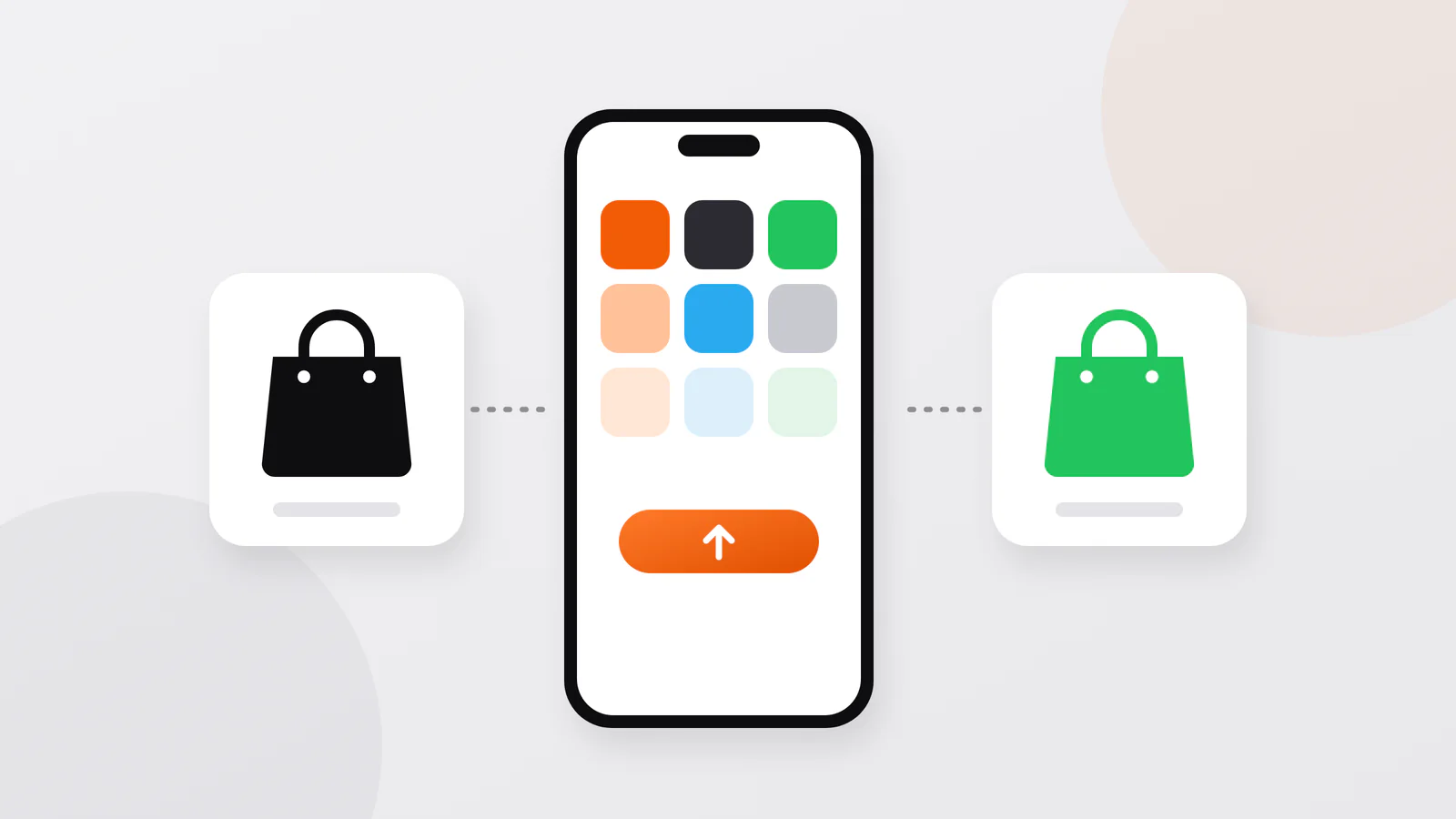
A builder (also called a no-code platform) gives you a visual editor: you connect blocks — a message, buttons, a question, a condition — and the service runs the bot on its own servers. Many builders have a free plan with limits and paid plans by the month. You or your employee build and edit everything yourselves.
Custom development means a developer writes the bot's code. It runs on a server you rent, the data sits in your own database, and the bot can do anything that can be described and programmed. You pay for development once, then for hosting and for changes when you need them.
Either way, the bot is registered in Telegram in the same way: through @BotFather, Telegram's official bot for creating bots. It issues a token, a secret key that controls the bot. A builder needs this token to run your bot; a developer puts it into the code. If you are still deciding what the bot should do at all, start with what a Telegram bot can do for a business.
Side by side
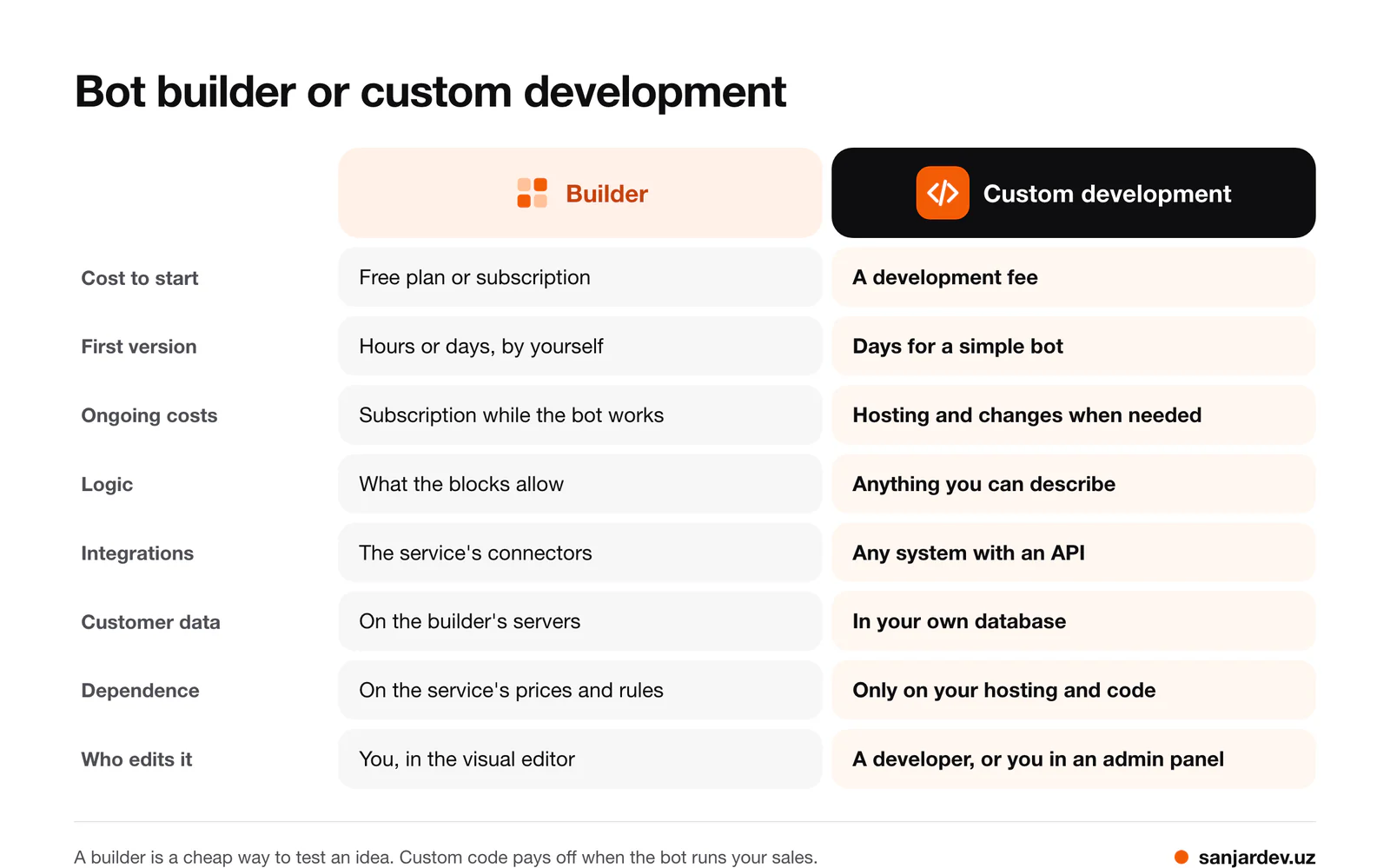
| Builder | Custom development | |
|---|---|---|
| Cost to start | A free plan or a subscription, plus your own time | A development fee; my bots start at $200 for a simple version |
| First version | Hours or days, if you build it yourself | Days for a simple bot, longer with payments and integrations |
| Ongoing costs | A subscription for as long as the bot works, often growing with subscribers or features | Hosting, and changes when you need them |
| Logic | What the blocks allow | Anything you can describe |
| Integrations | The connectors the service offers | Any system with an API (an interface for programs) |
| Customer data | On the builder's servers; export depends on the service | In your database, on your server |
| Dependence | Prices, rules and the future of the service are not in your hands | Only on your hosting and on having the code |
| Who edits it | You, in the visual editor | A developer, or you through an admin panel for the content |
When a builder is enough
A builder is the right choice if most of this is true:
- You want to test whether your customers will use a bot at all.
- The bot answers questions, shows a menu or a price list and forwards requests to a chat or a spreadsheet.
- There are no payments, or a link to a payment page is enough.
- Someone on your team is happy to maintain the scenarios in a visual editor.
In that situation I would honestly advise you to start with a builder rather than order development. You will learn which buttons people press and which questions they ask, and that knowledge becomes the best part of a future project brief.
When custom development pays off
- Payments must be reliable. A payment is more than a button: every status from the provider has to be processed, notifications checked for authenticity, and a repeated notification must not count as a second payment. For MyPark, where visitors buy park tickets in a Telegram bot, I wrote separate adapters for Payme and Click (payment systems in Uzbekistan) with signature checks and idempotency — the same notification processed twice changes nothing. How payments work in general is explained in the guide to accepting payments.
- The bot is part of a system. For Ahostel, bookings from the website, the bot, the Telegram Mini App and the mobile apps go into one database, so administrators see occupancy in real time and double bookings are ruled out. A shared database like this is natural with custom code and hard to build around a bot whose data lives inside a builder.
- The logic is your own. @vaqttejabot takes the courier's location and all delivery addresses and calculates the best order of stops. The Meatline bot turns a shared location into a street address through the Yandex Maps API. This is code, not blocks.
- The customer base is an asset. Order history and contacts in your own database can feed analytics and mailings on your terms.
- You plan to grow. A Mini App, a website or an app added later can use the same server and the same data.
Cost over time
A builder looks cheaper because you pay little at the start. Over a few years the picture can change:
- The subscription is paid for as long as the bot works, and plans often cost more as subscribers or features grow.
- When you reach the limit of what blocks can do, the bot usually has to be rebuilt: what you assembled in a builder generally cannot be exported as code.
- With custom development the big payment comes first. After that you pay the hosting provider, and a developer only when you want changes. Telegram does not charge for its bot platform.
A simple way to compare: take the monthly price of the plan you would really need, multiply it by the months you plan ahead — say, two years — and put the result next to a development estimate plus hosting for the same period. All one-off and recurring costs are listed in how much a website, bot or app costs.
Your data: questions to ask any builder
Before you put your customers into a builder, check:
- Can you export the list of subscribers and the order history, and in what format?
- Is the bot registered on your Telegram account, with your token?
- Does your plan add the service's label or advertising to your bot?
- What happens to the bot and the data if you stop paying?
If the bot is registered on your account, you can move it to custom code later without changing its name: the new server uses the same token, and customers keep the same chat. If it was created on someone else's account, the owner can transfer it to you in @BotFather. To message existing subscribers from the new system, though, you need their list from the builder; otherwise the new system learns about each customer only when they write to the bot again.
Frequently asked questions
Is a free bot builder really free?
Up to a limit. Free plans usually restrict subscribers, messages or features, so check those limits before you build. For a business bot, plan for a paid plan and compare its cost over a year or two with a development estimate.
Can a builder take payments?
Some builders support a payment button or a link to a payment page. The harder part is everything around the payment: matching it to the order, refunds, updating stock and your accounting. That is often where a builder's limits show first.
Can I make a Telegram Mini App in a builder?
There are builders and templates for Mini Apps too, for example for a simple shop. The trade-off is the same: quick for a standard case, limiting when you need your own design or logic.
Who maintains a custom bot after launch?
The developer who built it, or any other developer, as long as you have the code and the server access. If the bot has an admin panel, you change prices, texts and the catalog yourself, without a developer.
Sources
- Telegram: Bots: An introduction for developers — the bot platform is free for users and developers.
- Telegram: Telegram Bot Features — creating bots in @BotFather, tokens, transferring ownership.
Discuss your project
Not sure whether your idea fits a builder? Describe it: what the bot should do, which systems it must work with and whether it takes payments. I will tell you honestly whether a builder is enough or what custom development would involve. Write to me on Telegram, WhatsApp or by e-mail, and I will reply with questions and an estimate. You can write in your own language; calls are in Uzbek, Russian, Turkish or English.
Sanjar Jabborov — fullstack developer, Tashkent. Updated on 13 November 2026.