How to Accept Online Payments on a Website or Telegram Bot
How to accept payments on a website or in a Telegram bot: how card payments work, fees and payouts, what a business needs, and providers by country.
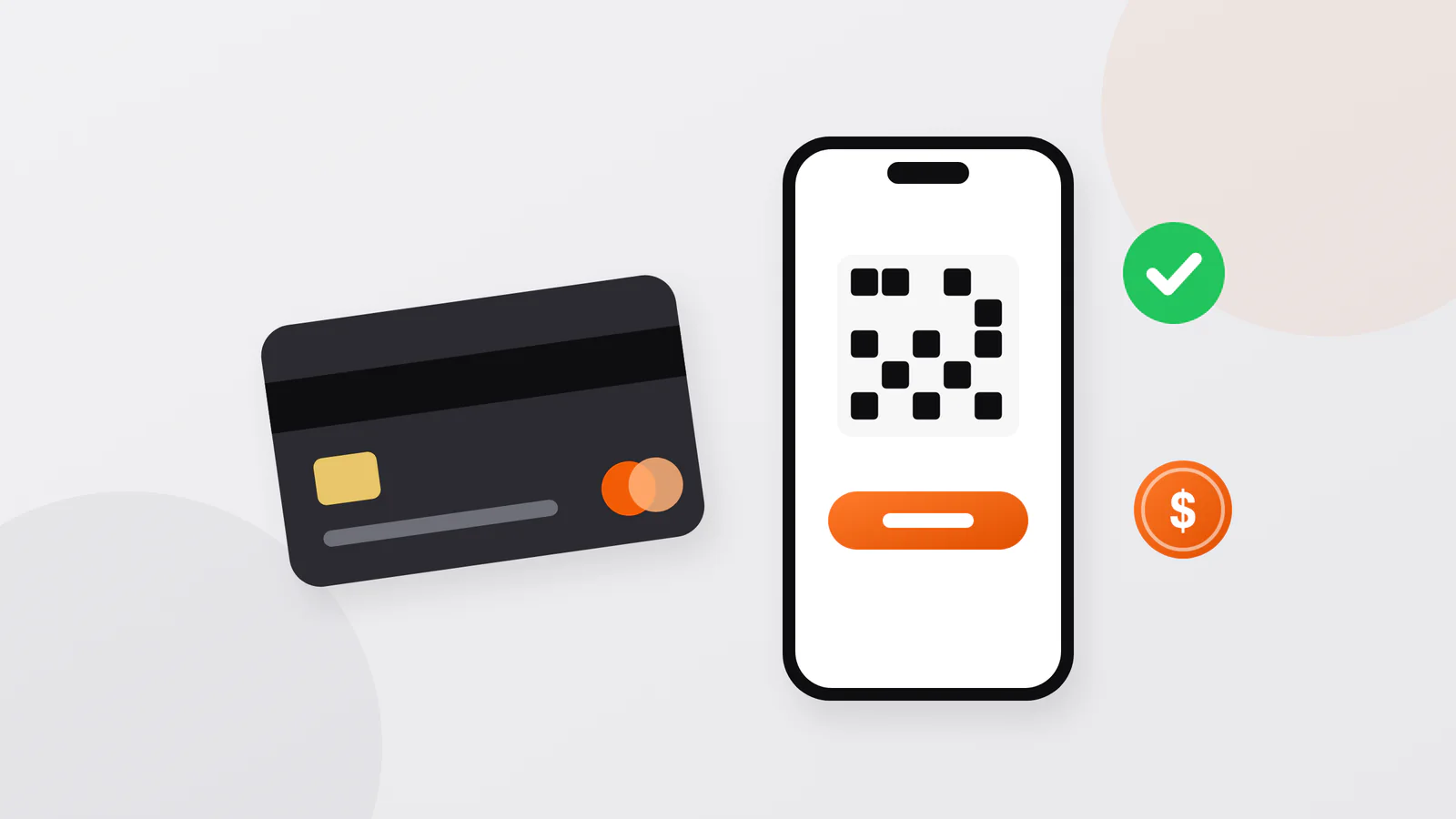
Short answer. A business accepts online payments through a payment provider: the customer pays on the provider's secure page, the customer's bank approves the charge, and the money reaches the business bank account minus a fee, usually a percentage of each payment. You need a registered business, a bank account and a contract with the provider. On a website, payment is a checkout page or form; in a Telegram bot, it is Telegram's built-in invoice, a link to the provider's page, or Telegram Stars for digital goods.
How an online payment works
Two terms first. A payment gateway securely passes payment details from your site to the payment system. An acquirer (acquiring bank) processes card payments for a business, keeps its merchant account (the account that lets it accept cards) and settles the money. Many providers combine these roles: with Stripe, for example, a business needs no separate acquirer or merchant account.
- The customer presses "Pay" and enters card details on the provider's page or form, not on your server.
- The bank that issued the card may ask the customer to confirm the purchase, for example with a code sent by text message.
- The bank checks the funds and holds the amount (authorization).
- The money is captured, and the provider notifies your server with a webhook (an automatic message to your system), which marks the order as paid.
- The provider pays out to your bank account on a schedule. Stripe, for example, typically completes a new account's first payout within 7–14 days, then pays out daily, weekly or monthly.
Fees are a percentage of each payment, sometimes plus a fixed amount. Stripe's standard US price is 2.9% + 30¢ per domestic card payment, with 1.5% more for international cards and 1% for currency conversion. Payme Business in Uzbekistan lists 1.5–2% for e-commerce payments. Telegram itself takes no commission on bot payments for physical goods.
Chargebacks. A chargeback (dispute) happens when a cardholder questions a payment with their bank: the payment is reversed, and a dispute fee is added. Clear descriptions and policies on your site reduce the risk.
What the business needs
- A registered business. Providers check who they pay out to; regulators require it. Payme Business, for example, works only with legal entities, individual entrepreneurs included.
- A business bank account for payouts.
- A contract with the provider and documents: for Payme Business, a copy of the director's passport, the registration certificate and, if applicable, a VAT certificate; for Uzum Bank, the tax number, bank details and state registration certificate.
- A site or bot ready for checking. Stripe's website checklist works for any provider: a clear description of what you sell, prices with currency, contacts beyond a contact form, refund, delivery, return and cancellation policies, a privacy policy, and HTTPS.
- Secure code. PCI DSS is the card industry's security standard for anyone who handles card data. If your server takes card numbers directly, Stripe warns of more than 300 security controls to meet; with the provider's page or form, card data never touches your server. Each payment notification must be checked by its signature, and a repeated notification must not mark an order paid twice.
Payments on a website
| Option | How it works | Good for |
|---|---|---|
| Payment link or invoice | The provider makes a payment page you send by chat, e-mail or QR code; Stripe and Click offer them | A few orders, no development |
| Hosted checkout | Your site sends the customer to the provider's page and gets the result back | Online stores: lowest security burden |
| Embedded form | The form sits on your page, but card data still goes to the provider | A checkout that looks like your site |
For a store, payment is one part of the system; orders, statuses, stock and the admin panel matter as much. More in the online store guide.
Payments in a Telegram bot or Mini App
- Telegram's built-in payments for physical goods and services. You connect a provider in @BotFather (Bot Settings → Payments) and get a token; the bot sends an invoice, and the customer pays without leaving Telegram. The bot must answer the final pre-checkout check within 10 seconds, or the payment is canceled. Telegram works with more than 20 providers in over 200 countries, does not see card data, and leaves refunds and complaints to you and the provider. In Uzbekistan, Telegram added Paycom (Payme) and CLICK as providers in 2017; BotFather shows the current list.
- The provider's own payment page, opened from the bot or a Mini App, with the provider notifying your server. A Mini App can also open a Telegram invoice directly.
- Telegram Stars for digital goods. Subscriptions, content and features inside a bot or Mini App must be sold exclusively in Stars, Telegram's in-app currency, and the bot must answer the /paysupport command.
In MyPark, park guests buy tickets in a Telegram bot, pay through Payme or Click and get a QR ticket at once; I wrote separate adapters for both systems' payment notifications, with signature checks and protection against processing one payment twice. In Ahostel, guests choose a room in a Mini App and pay without leaving the chat. More about bots in the Telegram bot guide.
Mobile apps have their own rule: in most countries, digital content is sold through App Store and Google Play billing, while physical goods and services are paid for in other ways. See how to publish an app.
Examples by country
Uzbekistan. The local card systems are Uzcard and Humo. Payme Business accepts both in online stores and Telegram bots; Uzum Bank connects payments on a website, in an app or in a Telegram bot and accepts Uzcard, Humo, Visa and Mastercard; Click offers payment links, card payment on a site and payment through its app or Telegram bot. The Click and Uzum Bank APIs also handle fiscal receipts. Stripe does not list Uzbekistan among its countries, and PayPal does not list it among its markets, so a business registered there works with local providers. In my projects I connect Payme, Click and Uzum Bank.
Elsewhere. Stripe accepts businesses in the countries listed on its site (about fifty in November 2026), and PayPal says it serves more than 200 markets; both offer hosted checkout, payment links and invoices. Local methods often matter as much as cards. In Poland, the central bank's 2023 survey found BLIK codes the most common way to pay online; in Brazil, buyers use Pix, the central bank's instant payment system; in the Netherlands, iDEAL, now becoming Wero; and in Saudi Arabia, the central bank requires online stores to process card payments through the national mada system.
FAQ
Can I accept payments without a company?
It depends on the provider and the country. Payme Business and Uzum Bank, for example, work with registered businesses, individual entrepreneurs included. Check the provider's list of documents before development starts.
How soon does the money arrive?
It is set in the contract. Stripe, for example, typically completes a new account's first payout within 7–14 days, depending on the industry, country and risk level, and then pays out on the account's schedule.
Is it safe to accept card payments on my site?
Yes, if customers enter card data on the provider's page or form, the site uses HTTPS, and your server checks the signature of every payment notification.
How much does it cost to add payments?
The provider charges per payment, and the integration is part of the project. An online store with cart and payment starts from $500, a Telegram bot from $200; what changes the price is in the price guide.
Sources
- Telegram Bot Payments API
- Telegram Stars payments
- Telegram Bot API
- Telegram Mini Apps
- Paycom on Telegram, 2017
- CLICK on Telegram, 2017
- Payme Business
- Payme developer docs
- Click developer docs
- Uzum Bank for merchants
- Uzum Bank developer docs
- Humo
- Uzcard
- Stripe pricing
- Stripe countries
- Stripe: how cards work
- Stripe: acquirers
- Stripe payouts
- Stripe disputes
- Stripe website checklist
- Stripe security and PCI
- Stripe identity checks
- Stripe Payment Links
- PayPal: accept payments
- PayPal countries
- Narodowy Bank Polski: payment habits 2023
- Banco Central do Brasil: Pix
- iDEAL to Wero
- SAMA: mada for online stores
- Apple Review Guidelines, 3.1
- Google Play payments policy
Discuss your project
If you want to accept payments on your site, in a bot or in an app, write to me on Telegram, WhatsApp or by e-mail. Describe what you sell and where, in a few sentences, and I will reply with questions and an estimate. You can write in your own language; calls are possible in Uzbek, Russian, Turkish or English.
Sanjar Jabborov — fullstack developer, Tashkent. Updated on 13 November 2026.