How Much Does a Mobile App Cost? Native vs Cross-Platform
Native iOS and Android apps start at $300 each. What makes an app expensive, native vs cross-platform, store accounts, review and updates, with real examples.
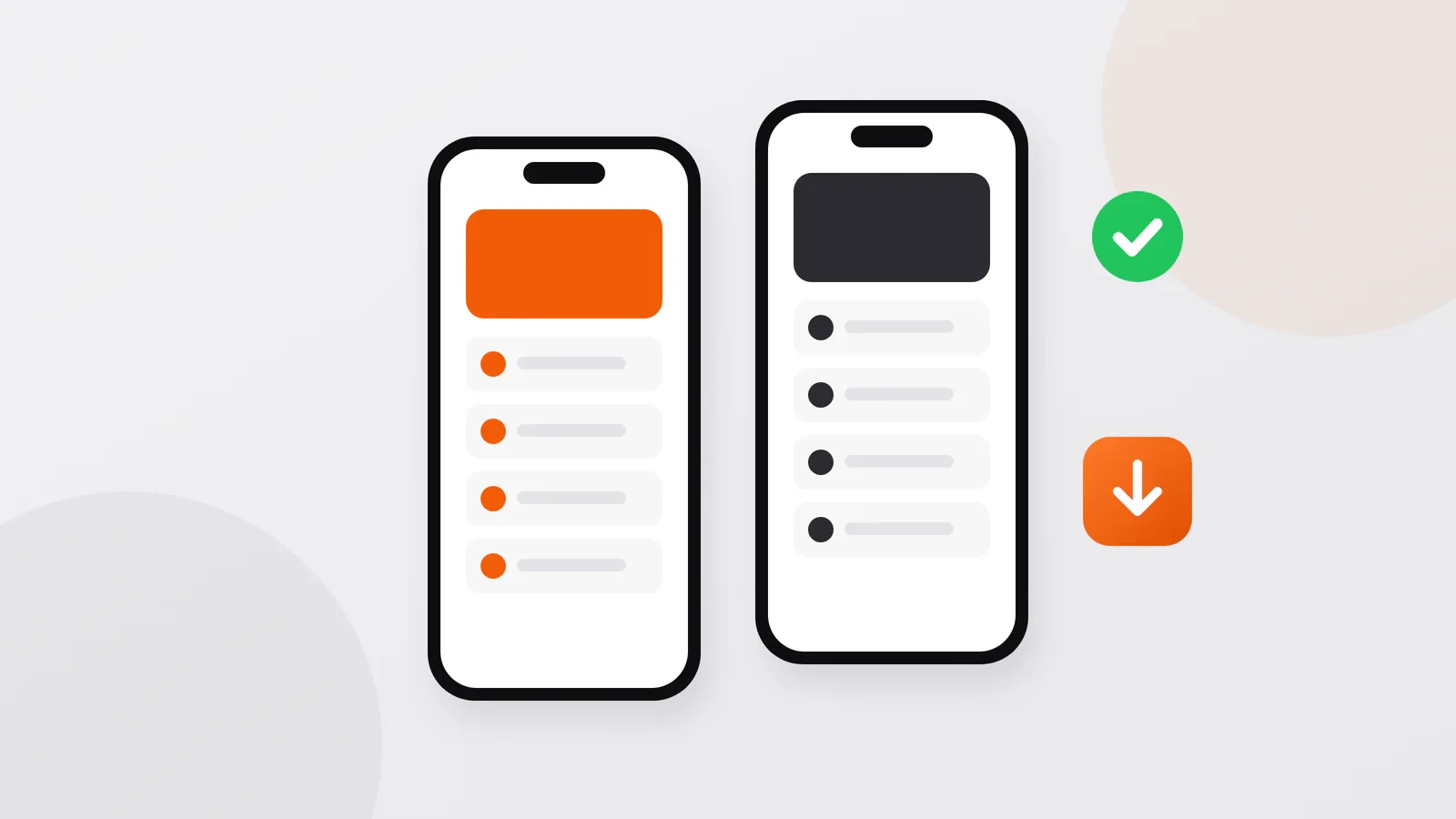
Short answer: a simple native app starts at $300 for iPhone (built with SwiftUI) and $300 for Android (built with Jetpack Compose); an app for both platforms is two apps, usually sharing one server. The price grows with what happens behind the screens: accounts, sync, payments, notifications, an admin panel. To publish, you also pay for store accounts: US$99 a year to Apple and US$25 once to Google.
Starting prices
| What | Built with | Price |
|---|---|---|
| iOS app | Swift and SwiftUI, Apple's own tools | From $300 |
| Android app | Kotlin and Jetpack Compose, Google's own tools | From $300 |
| Server and admin panel, if the app needs them | Laravel, for example | In the estimate |
| Apple Developer Program | — | US$99 a year |
| Google Play developer account | — | US$25 once |
A simple app has a few screens and keeps its data on the phone. Once it needs user accounts, data shared between devices or an admin panel, it also needs a server (the part that stores data and works in the background), and the price grows. Prices for all my services side by side: what a website, bot or app costs.
If your customers already use Telegram, consider a Telegram Mini App first: from $200, it opens inside Telegram with no installation and no store review.
Native or cross-platform
A native app is written separately for each platform with that platform's own tools. A cross-platform app is one codebase for both, built with a framework such as Flutter or React Native.
I build native apps, for three reasons:
- Device features work as the platform intends. Push notifications (messages that appear on the phone even when the app is closed), the camera, Face ID or the fingerprint sensor, in-app purchases: native code uses them directly. For PRORAB, my app for construction foremen, native apps were chosen over cross-platform deliberately, so that push, the camera and the interface fully match each platform.
- Speed on ordinary phones. In the Yoshlar Bogʻi park, staff scan ticket QR codes with native iOS and Android apps, so the scanner responds instantly and works reliably even on budget devices.
- It feels like the phone it runs on. iPhone users get iPhone behavior, Android users get Android behavior, and new system features can be used as soon as they come out. The Ahostel.uz hostel apps went native for the same reasons: performance and a better experience for guests.
Cross-platform is a reasonable choice when:
- the app is mostly forms, lists and content and uses few device features;
- you need identical features on both platforms on one budget and accept some compromises in how the app feels;
- your own team already works with that framework and will maintain the app.
Such an app can cost less than two native ones. I build native, so if your project is in this group, I will tell you.
| Native | Cross-platform | |
|---|---|---|
| Code | One app per platform | One codebase for both |
| Device features | Direct access | Through plugins; new features may arrive later |
| Look and feel | Matches each platform | Close to native, with extra effort |
| Price for two platforms | Two apps, one shared server | Can be lower |
Where the money goes
The screens are only part of the price. In a bigger app the work splits like this:
- Design. Before development I make a prototype and screen designs, so you see how everything will look before it is built. More screens and a more custom look mean more design work.
- Screens and roles. Every screen is designed, built and tested, and every role adds its own. In Qarz Daftar, a debt and installment app for shops, the owner invites cashiers and gets a notification about each record they make.
- The server. Accounts, data shared between devices, an admin panel. Qarz Daftar works on iPhone, Android and in the browser under one account, with the data in the cloud. PRORAB's iOS and Android apps, landing page and admin panel all work through one server, so data entered on a phone appears everywhere at once.
- Working offline. In Qarz Daftar a record is saved on the phone first and synced when the connection returns. Reliable sync takes more work than an app that only works online.
- Payments and subscriptions. Digital features and subscriptions are usually sold through the stores' own in-app purchases (StoreKit on iOS, Google Play Billing on Android) and checked on the server, as in Qarz Daftar; the stores keep a share of each such sale. Physical goods and real-world services are paid through an ordinary payment provider, such as Payme or Click in Uzbekistan.
- Notifications and messages. Push notifications need a server to send them. Qarz Daftar goes further: every day the server checks debts, sends SMS reminders on the schedule the owner set and can call the debtor with a voice reminder.
- Camera, files and documents. In PRORAB a foreman attaches receipts and photos to expenses and sends the client a PDF report to Telegram or WhatsApp in one tap.
- Languages. PRORAB comes in Uzbek in Latin script, Uzbek in Cyrillic and Russian: three language versions, two alphabets.
Ask for an estimate that lists these parts separately: it shows where the budget goes and what can wait for a later version.
Store accounts, review and updates
To publish, you need a developer account in each store: the Apple Developer Program costs US$99 a year, and a Google Play developer account costs US$25 once. Register them in your own or your company's name: the account is where the app lives, and it should stay yours.
Both stores review an app before it goes live, and they review every update. They need a description, screenshots, a privacy policy and an age rating; PRORAB went through all of this for both the App Store and Google Play. The steps and rules are in how to publish an app on the App Store and Google Play.
An app is never finished. Apple and Google release new system versions every year, and users expect fixes and new features: PRORAB has been in an active release cycle since March 2026, with more than eight releases in a month. Bugs in the agreed work I fix free of charge for three months after launch; other changes after launch are estimated like any other work, as a fixed price or as time and materials.
I also publish and maintain my own native apps for iOS and Android: Pressio, a blood pressure diary (App Store, Google Play), and Glucio, a blood sugar diary (App Store, Google Play).
Questions about app costs
Should I launch on iOS and Android at the same time?
Not necessarily. If most of your customers use one platform, start there and add the second later; the server is built once and serves both.
How long does it take to build an app?
A simple app takes far less time than one with a server, payments and an admin panel. After the first conversation, the plan gives exact dates, and you see the result at each stage.
Who owns the app?
You should. Keep the store accounts in your name and make sure the contract says who owns the code. How the handover works is described in how a development project works.
Discuss your project
Describe the app in a few sentences: who will use it, what they should be able to do and which platforms you need. Write to me on Telegram, WhatsApp or by e-mail, and I will reply with questions and an estimate. You can write in your own language; calls are possible in Uzbek, Russian, Turkish or English.
Sanjar Jabborov — fullstack developer, Tashkent. Updated on 13 November 2026.