Business Website: Landing Page, Corporate Site or Online Store
Which website a business needs: a landing page, a corporate site or an online store. How to choose by goal, what to prepare and when a website builder is enough.
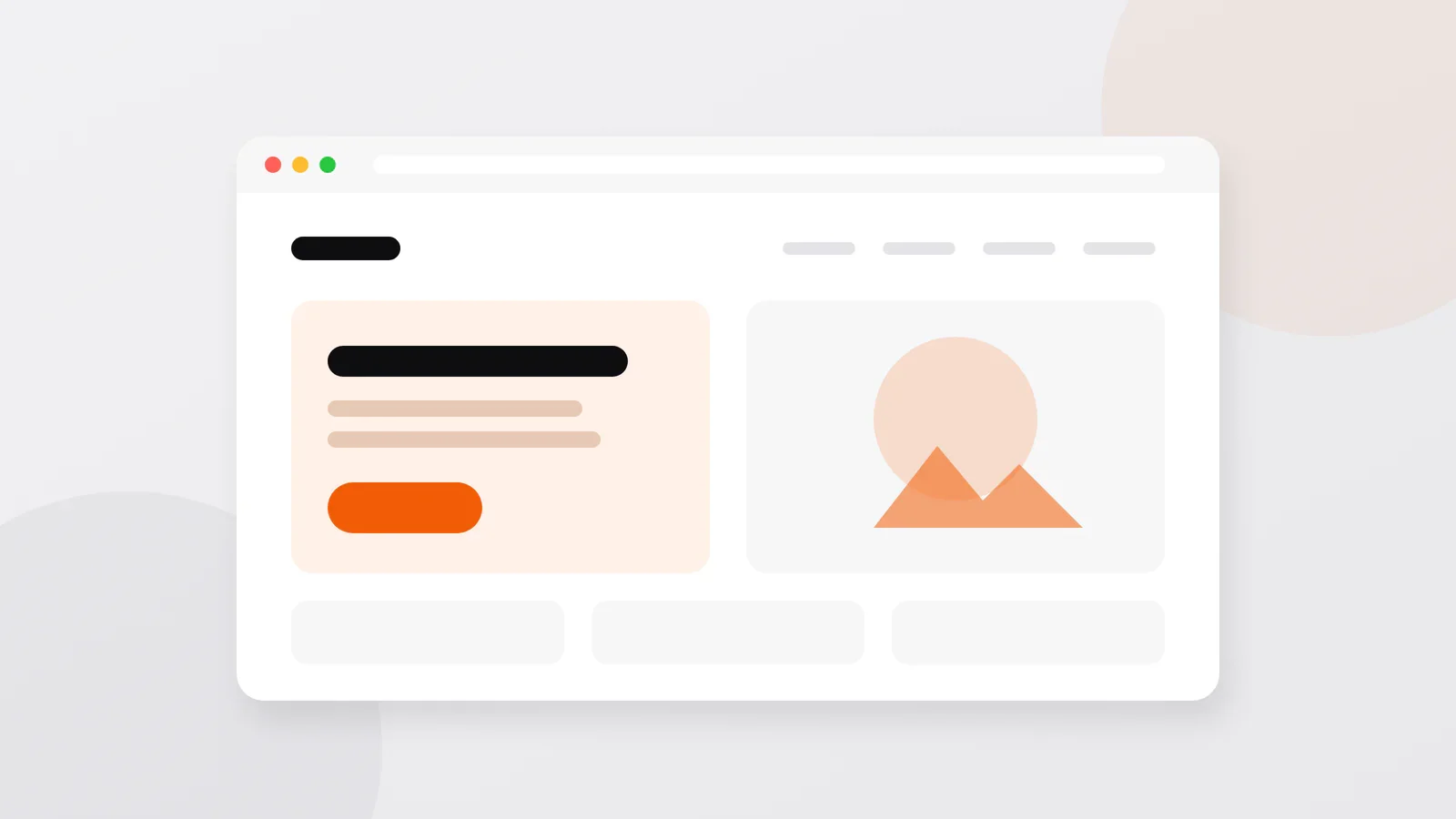
Short answer: a landing page (from $200) sells one offer and asks for one action: a request, a call or a message. A corporate website (from $300) presents the company, its products and branches and brings visitors from search, while an online store (from $500) lets people buy with a cart and payment. If your site needs no custom logic and no integrations, a website builder may be all you need.
Below: how the three types differ, how to choose by goal, what to prepare before you order and an honest comparison of a builder and custom development.
Three types of business websites
| Type | What it is | Choose it when | From |
|---|---|---|---|
| Landing page | One page about one offer, ending with a form or a button to message you | You advertise one product or service, launch something new or want to test demand | $200 |
| Corporate website | Several pages: the company, products or services, news, contacts | Customers compare before they contact you, and you want to be found in search | $300 |
| Online store | A catalog with a cart and online payment | People should be able to buy without talking to a manager | $500 |
A "business card" site is the smallest corporate website: a few pages that say who you are, what you do and how to reach you. A landing page is often the first step, and later it can become one page of a larger site.
Which one fits your goal
- You run ads for one offer. A landing page. Every extra link on it is one more way for a visitor to leave without contacting you.
- People search for what you do. A corporate site with a separate page for each service or product line. Search engines show pages, not companies, so each thing you sell needs its own page with its own text.
- Customers keep asking how much it will cost them. Add a price calculator, so visitors get a number before they call.
- You have branches or showrooms. Add a map with their locations, so people find the nearest one.
- You want to sell online. An online store, or a shop in a Telegram bot if your customers already write to you there. The options are compared in online store: website, bot or app.
- You are not sure a website is the right channel. Compare it with a bot, a Mini App and a mobile app in where to start selling online.
Example: a corporate site that does more than a brochure
For the company Imzo Namangan I built the corporate website imzonamangan.uz. Its job is to present the products and to let a customer work out the price before getting in touch.
- Calculator. The visitor picks the type of window or door, the size and the materials, and sees the price in real time.
- Products. A detailed catalog.
- Showrooms. An interactive map with the branch locations.
- Service center. Warranty information in one place.
- News. A company blog that keeps customers informed.
- Three languages, any screen. Russian, Uzbek and English, with a layout that adapts to phones.
- Search basics. Page titles and descriptions for search engines, clear page addresses and a sitemap (a list of pages for Google and Yandex).
Under the hood it runs on Laravel 12, a framework for the server side, with Livewire, which updates parts of a page without reloading it, plus Tailwind CSS for the styling and a MySQL database. It is a corporate site, not a store, and it does not need to be one: its value is in answering the questions customers have before they get in touch.
What to prepare before you order
- The goal. The one action you want from visitors (a request, a call, an order) and how you will count it.
- Texts. About the company, each service or product, prices if you publish them, answers to common questions. If you want the texts written for you, say so: it is extra work and changes the estimate.
- Photos. Your real products, premises and team; they build more trust than stock pictures.
- Logo and brand colors. In good quality, if you have them.
- A domain name. The site's address, such as yourcompany.com. Register it in your company's name; it is paid to a domain registrar, usually every year, not to the developer.
- Languages. Which ones, and who translates.
- Examples. Two or three sites you like, and what exactly you like about them.
- Who will update the site. If you want to change texts, prices or photos yourself, the site needs an admin panel: the private part where you manage the content.
All of this fits into one document; the brief template goes through it question by question.
Website builder or custom development
A website builder, such as Wix or Tilda, lets you assemble a site from ready-made blocks in the browser for a subscription. For many small businesses that is enough, and if it is enough for you, I will say so.
| Website builder | Custom development | |
|---|---|---|
| Start | Quick and cheap: a template and a subscription | From $200 for a landing page, from $300 for a site |
| Running cost | A subscription for as long as the site exists | Hosting (the server the site runs on) and the domain |
| Editing | You edit everything yourself | You edit the content in an admin panel, if the project has one |
| Logic | What the builder and its add-ons offer | What your business needs: calculators, personal accounts, wholesale terms |
| Integrations | The ones the builder supports | Any service with an API: payments, CRM, 1C, delivery, Telegram |
| Moving away | Usually means rebuilding the site | The code and the data can move to another server |
An API is the interface through which two systems exchange data, for example your site and a payment provider.
A builder is enough when the site is a landing page or a few pages of text and photos, you want to edit it often yourself, and you need nothing beyond a form and a map.
Custom development pays off when the site has its own rules or talks to other systems. In the Primefoods.uz online store, private buyers sign up with a quick form, while companies register with their company details, so they get special wholesale terms and correctly issued documents. Rules like these are where custom development earns its price.
What a business website costs
The starting prices are in the table above. The price grows with the number of pages, a unique design, each extra language, an admin panel, calculators and forms, integrations, and texts written for you. After launch you pay for hosting and the domain, directly to the providers. All prices, running costs and how estimates work are in what a website, bot or app costs.
Questions about business websites
Can I change the texts and photos myself?
Yes, if the site has an admin panel. Say so at the start, because it is part of the scope. Changes to how the site works, such as a new calculator or a section with its own logic, are development work.
Do I need a separate website for each language?
No. One site can have several language versions, as imzonamangan.uz has Russian, Uzbek and English. Each language needs its own texts, checked by someone who speaks it, and its own page titles and descriptions for search.
Is a landing page enough to start?
Often, yes: for one offer and an advertising campaign it does the job. When you add services or products, it can grow into a corporate site.
How long does it take to build a business website?
A landing page takes days rather than months. A site with a calculator, several languages and an admin panel takes longer. After the first conversation, the plan gives exact dates.
Discuss your project
Tell me what your business does and what the site should achieve. Write to me on Telegram, WhatsApp or by e-mail, and I will reply with questions and an estimate. You can write in your own language; calls are possible in Uzbek, Russian, Turkish or English.
Sanjar Jabborov — fullstack developer, Tashkent. Updated on 13 November 2026.